Caldora Compliance, screen by screen
The platform as a client, its managing agent and its billing firm see it. The organisations are fictional demo data; the screens are the real product.
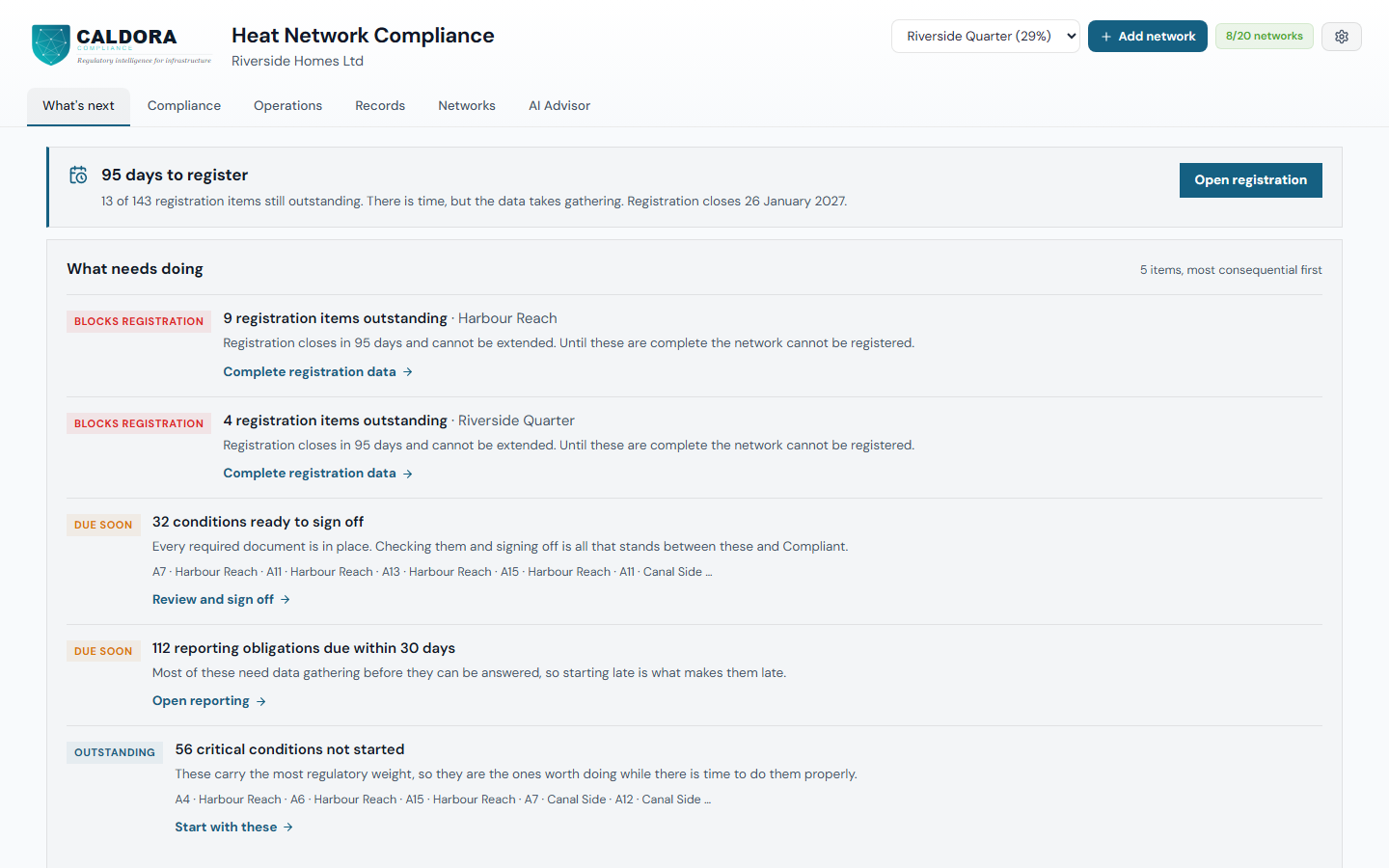
Start with what needs doing
The first screen counts down to the registration deadline and lists what needs doing across your networks, most consequential first: registration items outstanding, conditions ready to sign off, reporting due and critical conditions not started.
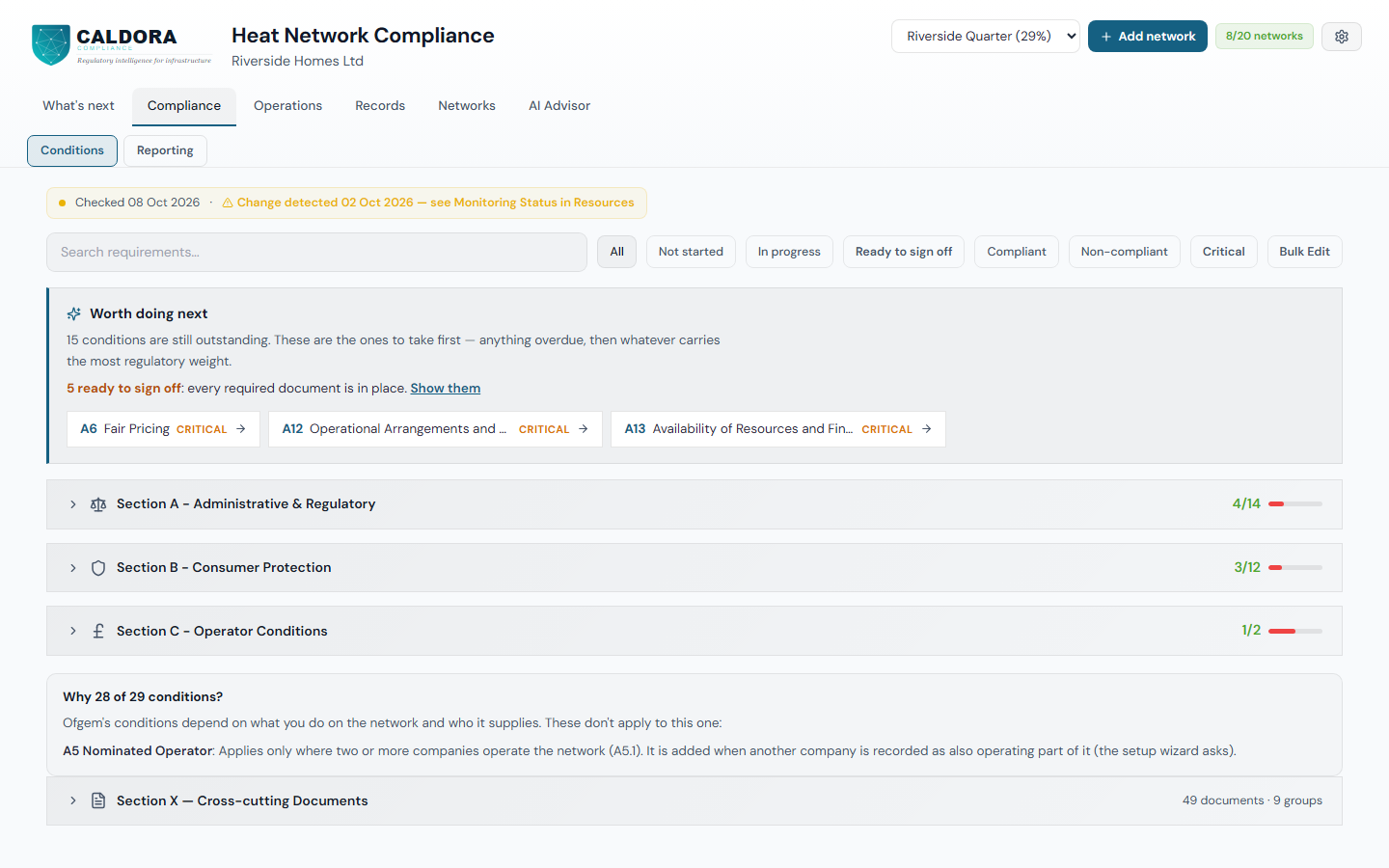
The conditions that apply to each network
Each network carries the conditions that apply to it, grouped by section with progress against each. Caldora explains any condition that does not apply, and points to the ones worth doing next.
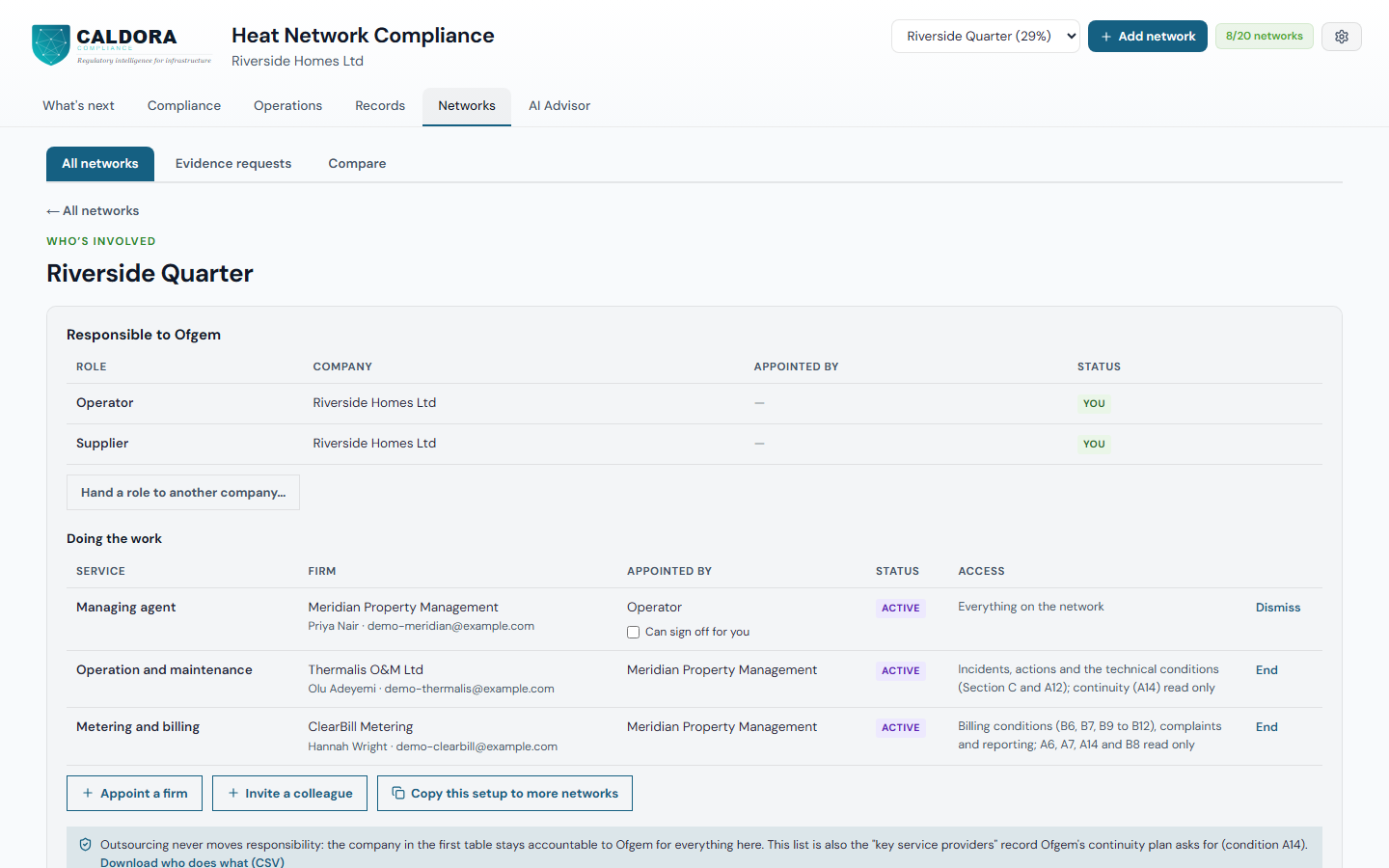
Who is responsible, and who does the work
Who's involved shows the companies responsible to Ofgem and the firms doing the work, who appointed each firm and what each one can see. You can end any appointment, and the list is the key service providers record condition A14 asks for.
A managing agent's view
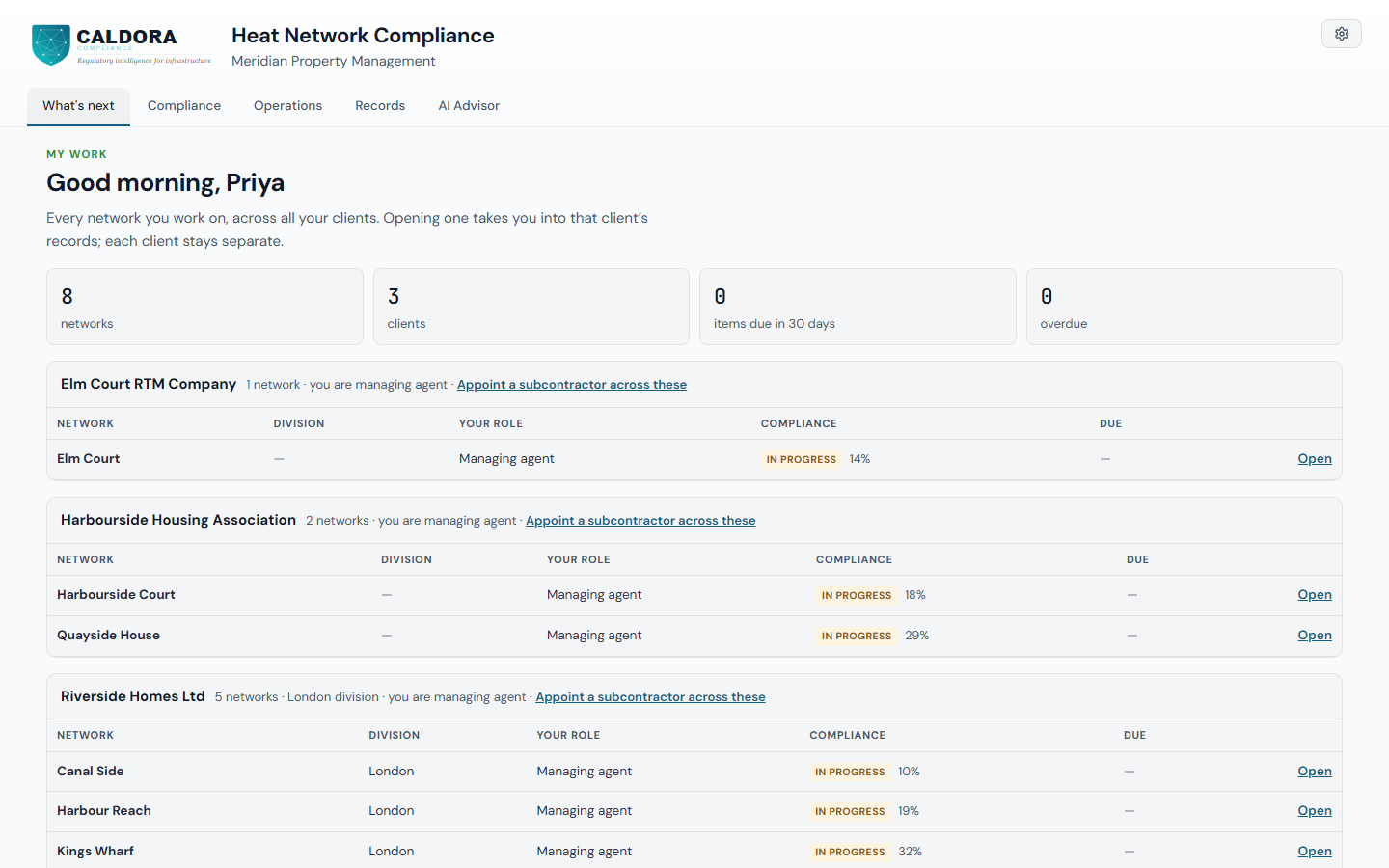
A managing agent sees every client and every network it is appointed to on one page, with its role on each and how the work stands. Opening a network takes it into that client's records, and each client stays separate.
A billing firm sees only its part
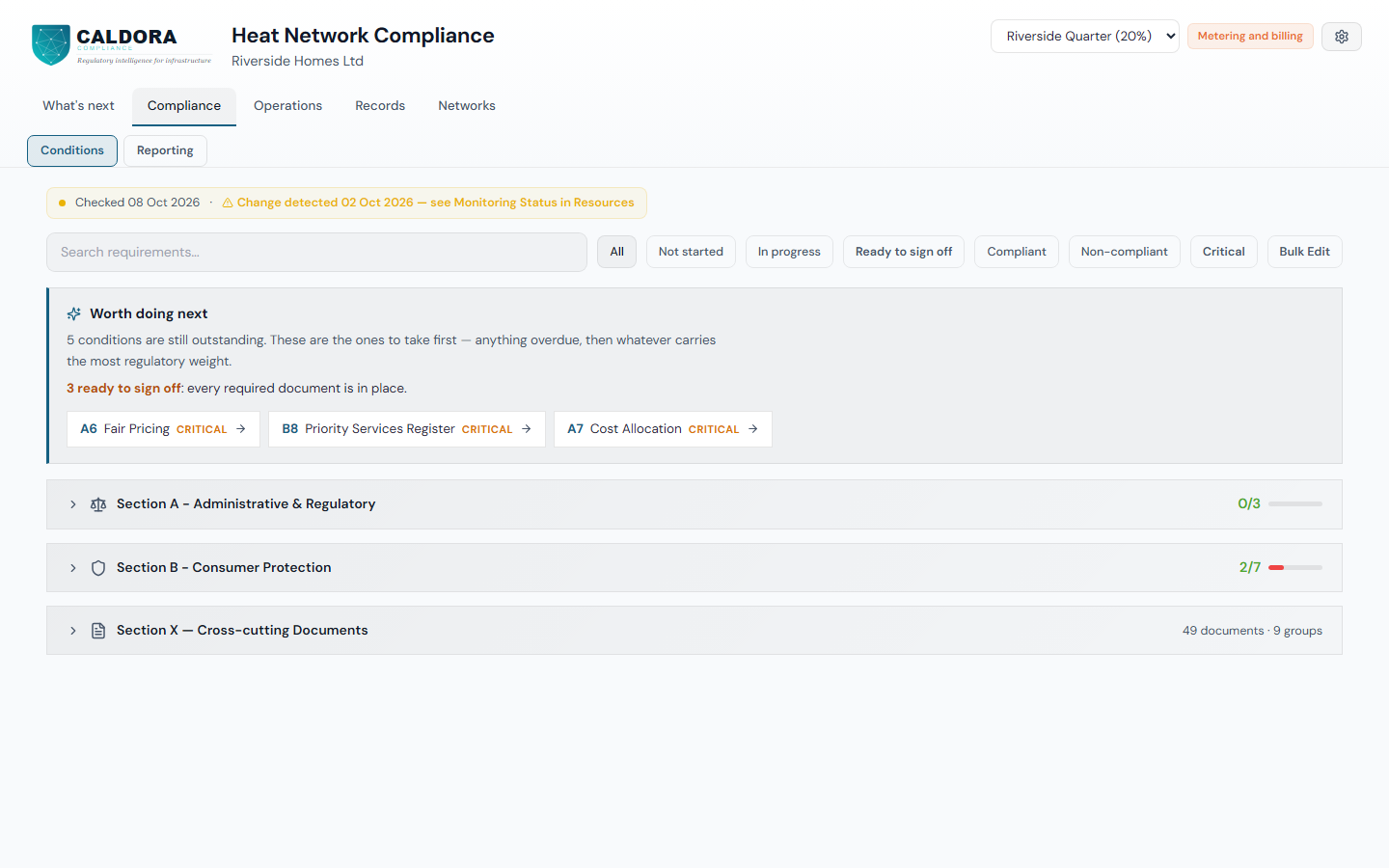
The metering and billing firm sees only the conditions it works on for the client, on the networks it is appointed to. Fair pricing, cost allocation and continuity are read only, and the client keeps the sign-off.
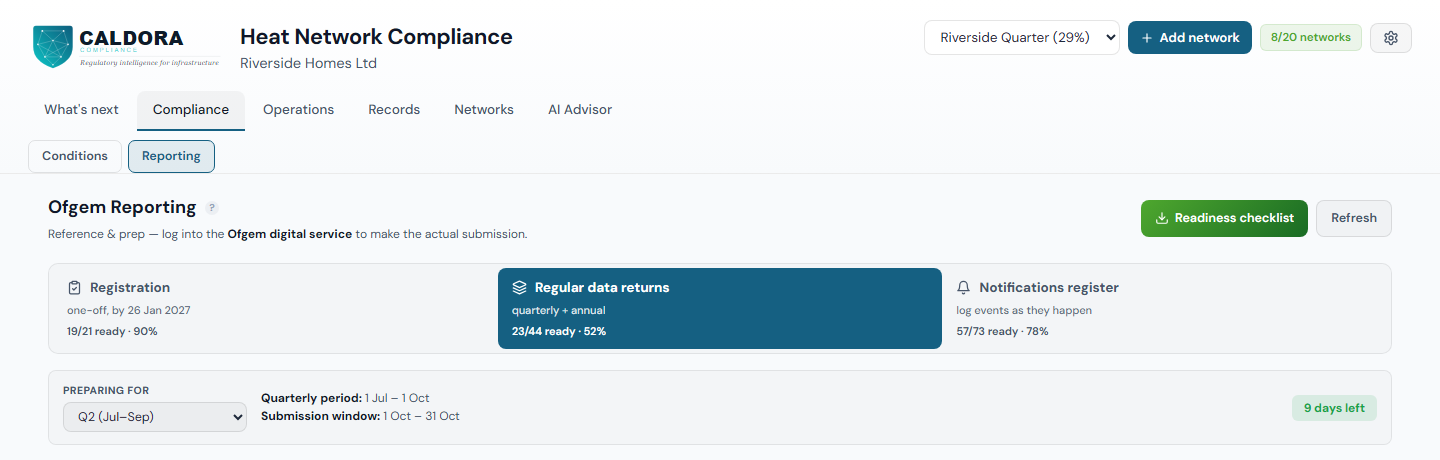
Ofgem reporting, with its deadlines
Ofgem's reporting obligations sit beside the conditions: registration, regular data returns and notifications, each with its deadline. You submit through Ofgem's own service.